Download data#
In addition to viewing crucial calculation data directly in the Digichem app, you can also download the calculation results from the Server to view directly on your own machine.
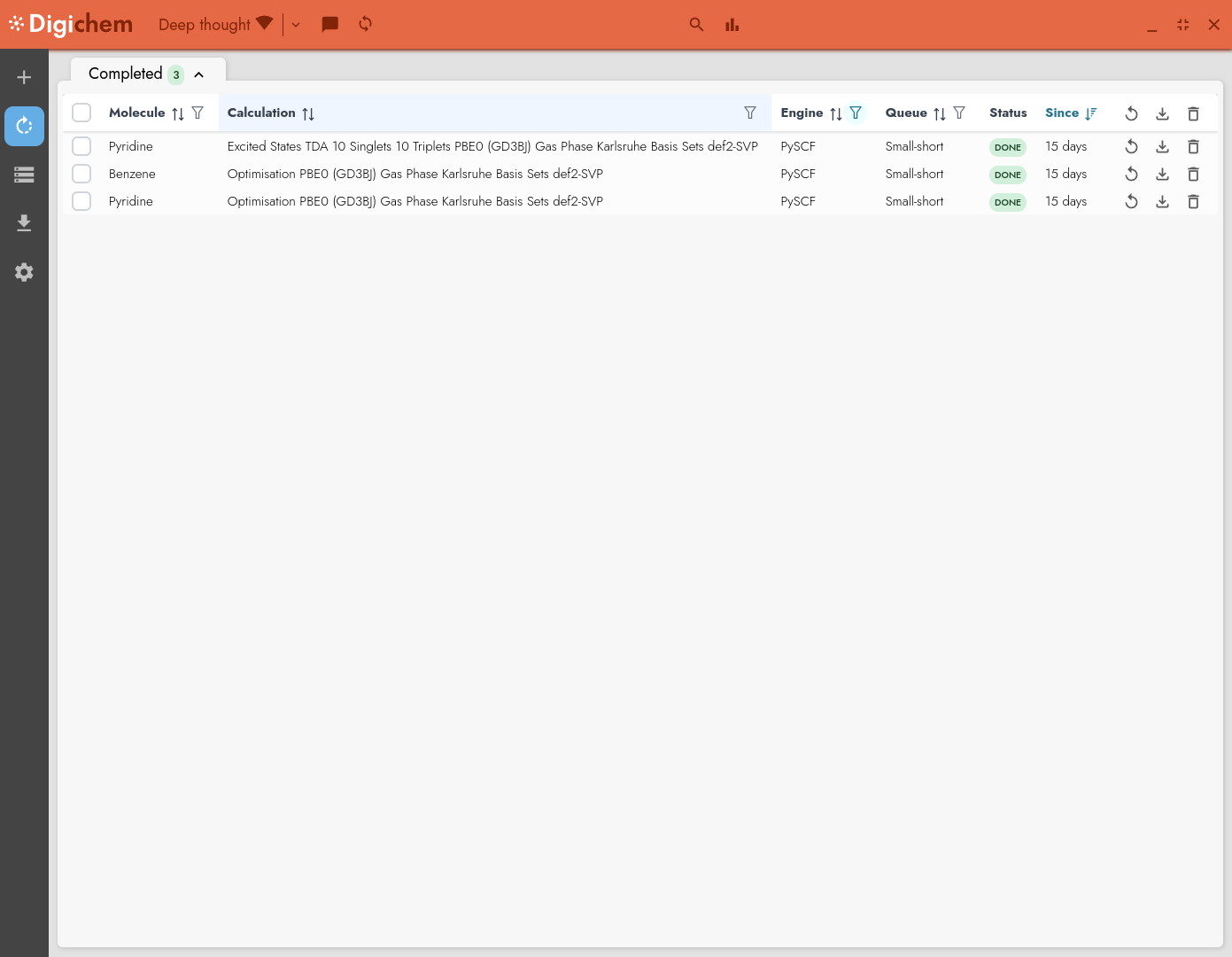
To download data from the server, we can click the Download button (⇓) in the relevant job row:

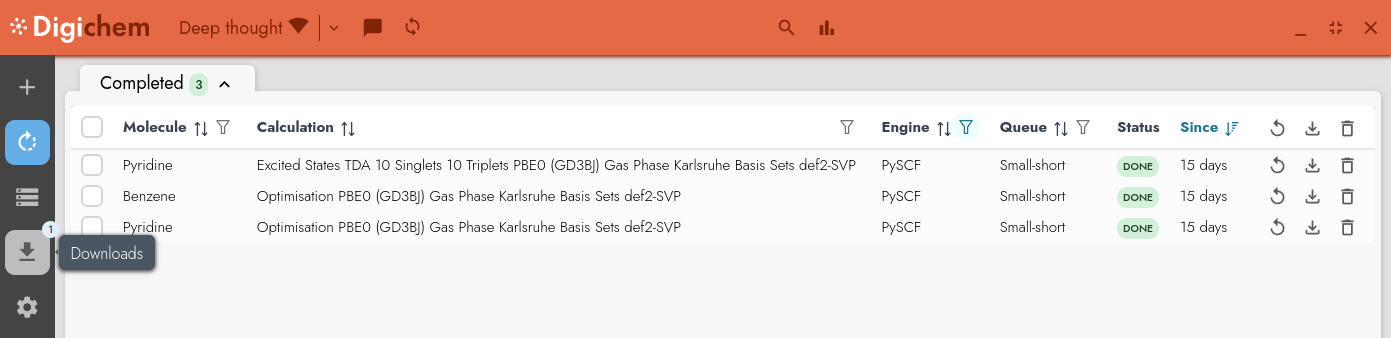
This will add the job to the download queue, which we can view on the Downloads page:
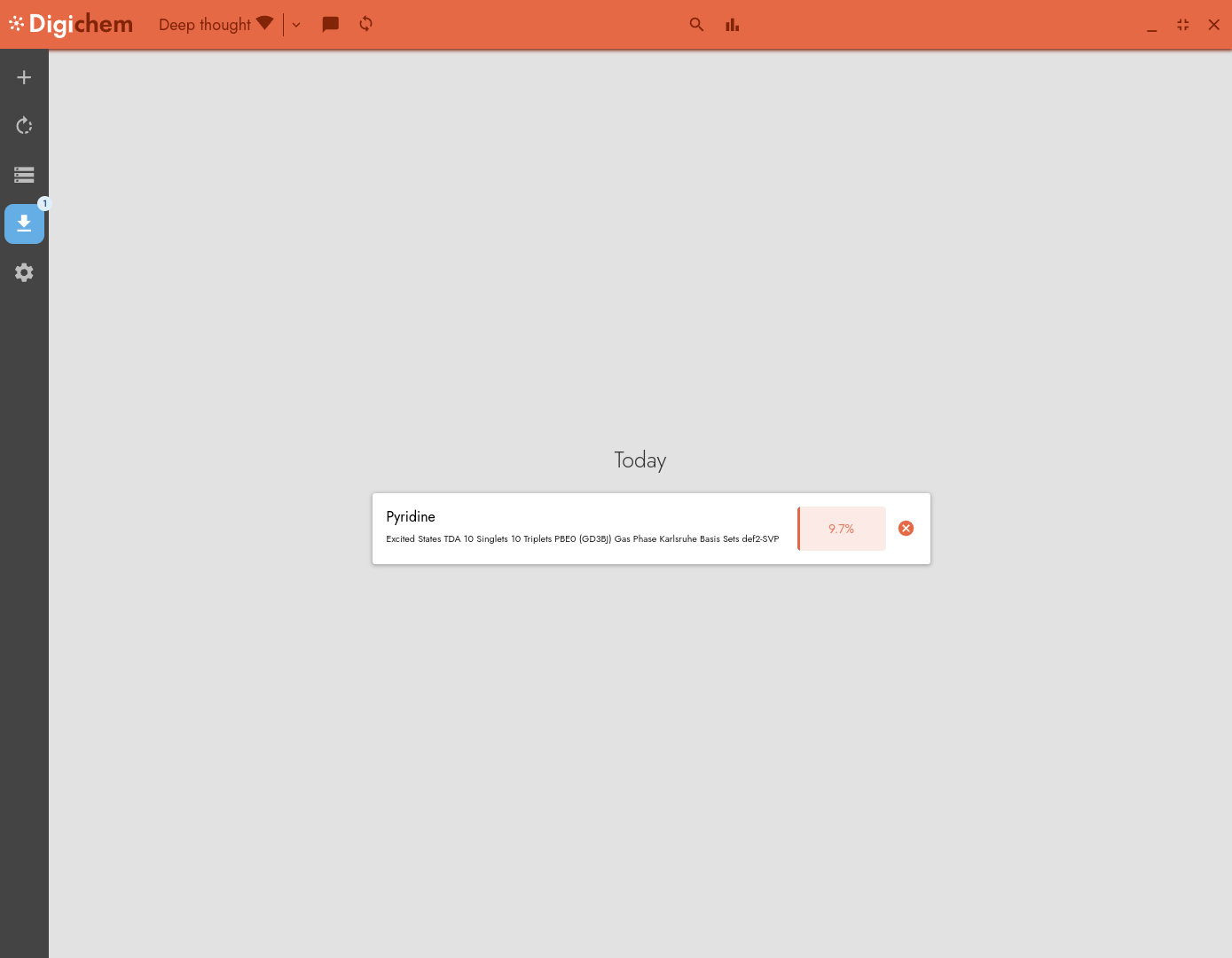
From here we can see the download progress of the job:
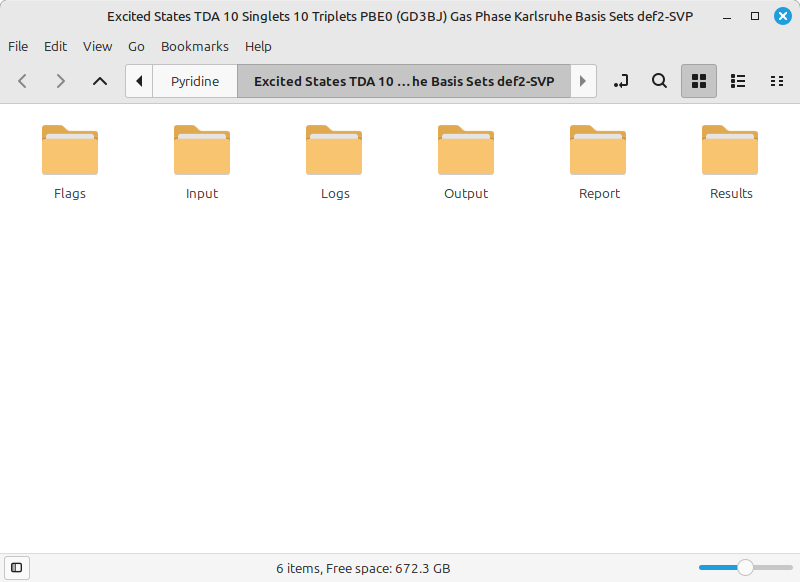
Once the download is complete, we can click on the download box to open the folder on our local machine: